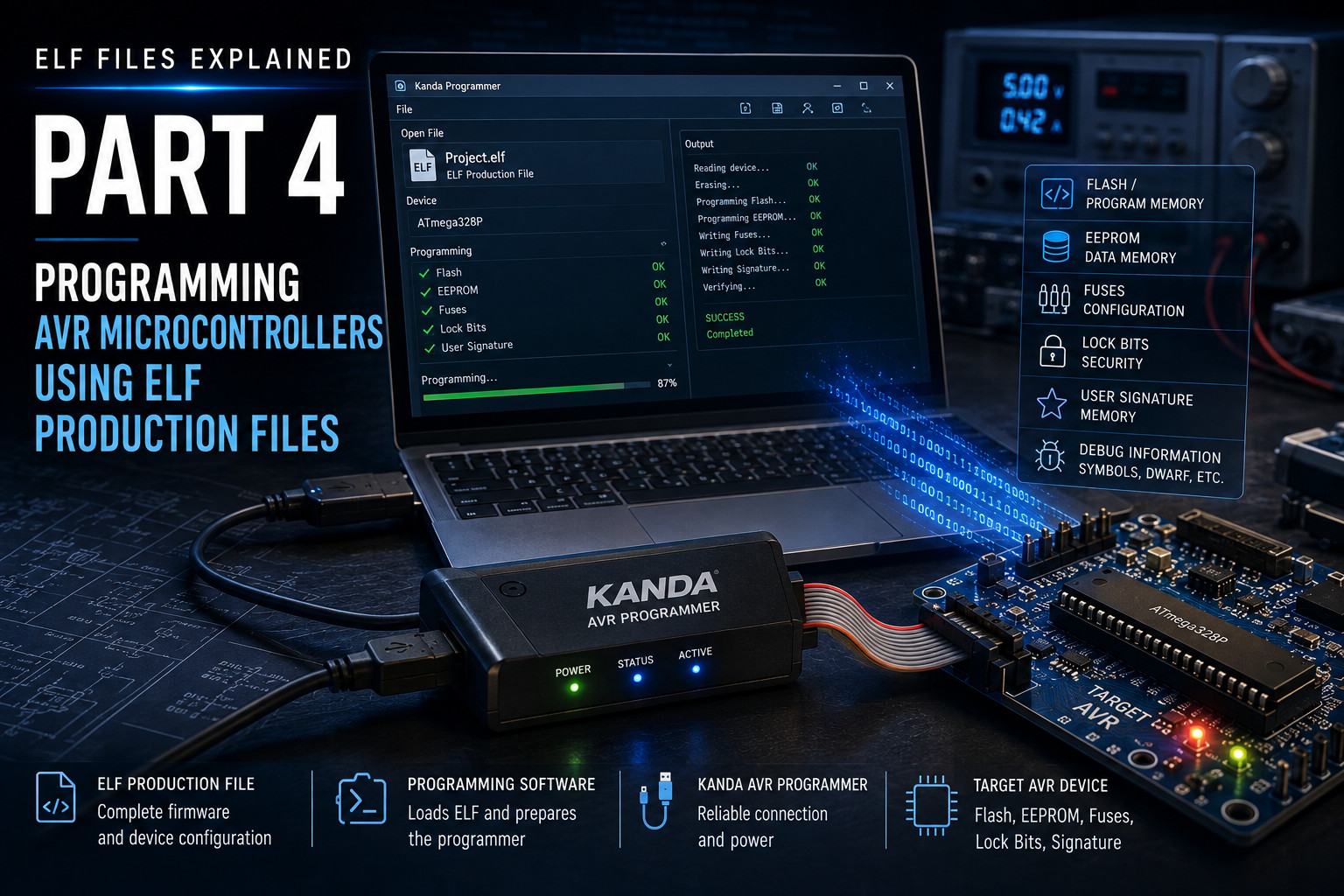
ELF Files Explained – Part 4: Programming AVR Microcontrollers Using ELF Production Files
Part 4 of the "ELF Files Explained" Series
In Part 3, we explored the AVR ELF Production File in detail, showing that it is far more than simply the executable output of the linker. Rather than containing only the application's machine code, an AVR ELF Production File describes the firmware project in its entirety, bringing together executable code, debugging information and — where appropriate — EEPROM data, fuse settings, lock bits and other device-specific information within a single structured file.
This naturally leads to an important question. If the ELF Production File already contains everything required to describe the finished firmware, why do so many AVR developers still think in terms of programming Intel HEX files? When discussing a new firmware release, it is still common to hear someone ask for "the HEX file", even though the build process itself produces an ELF first.
The answer lies not in the capabilities of the AVR toolchain, but in the history of embedded development.
Kanda standalone handheld programmers, for AVR and PIC microcontrollers, are really simple to use. Once loaded from PC, you just select the correct slot and press the button. Now we have made it easy to add this simple operation to your ATE system.
ISP or In System Programming is the best way to program AVR microcontrollers as it allows them to be programmed in circuit. This is easier for development, production and most importantly, for updating the firmware later in the field. The tool used for this is an AVR ISP.
AVR microcontrollers are all In System Programmable (ISP) so it doesn’t make sense to use a socket programmer for them – AVR ISP is the way to go. But what features should you look for when you are choosing an AVR programmer?
We have been asked about how you can program an application code file and a separate bootloader into an AVR microcontroller using a Kanda programmer. It isn’t possible to program two separate files but it is simple enough to combine them into one file.
Since the advent of Windows 7, some of our customers have had problems with software updates because the update does not install successfully. These problems do not seem to happen in Vista but maybe nobody uses it!
These problems take the form of firmware mismatch or sometimes settings are not saved properly, and can affect some of our products and any other older software you may have.
One feature of AVR devices that can baffle new users is the default clock setting on new AVR microcontrollers. They are set to run from their internal RC oscillator, usually 1 MHz, which throws out the timing on code samples, such as UART.
If the code is configured for an 8MHz clock and there is a 8MHz clock on the target board, you expect it to work but instead you get nothing or garbled characters. This is due to the default Internal RC. How do you change it?